
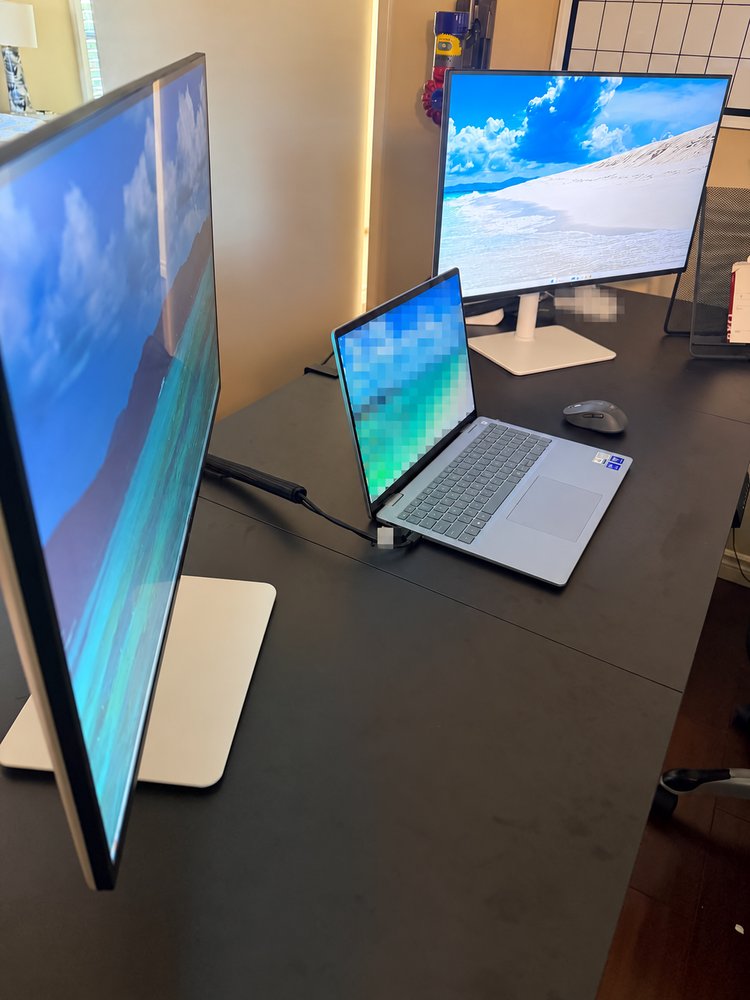
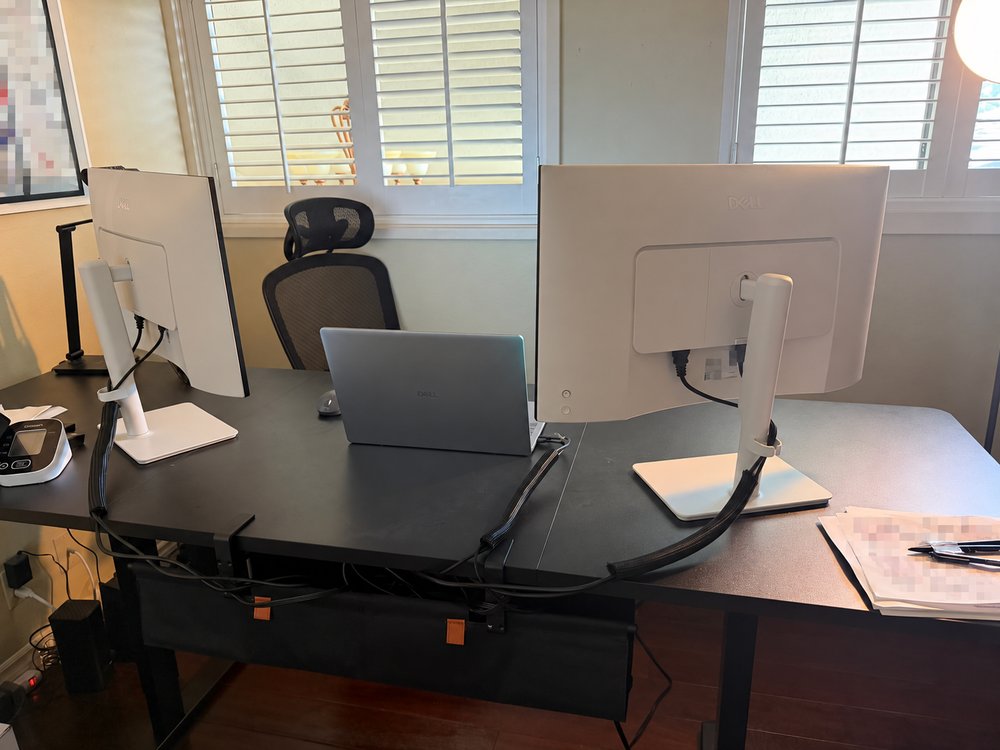
Help should move at your pace. Ask us to slow down, repeat a step, or explain it without technical terms. Start with what your device is doing and what you need to get back to; you do not need to diagnose the cause before you call.
Help starts with a conversation
Tell Jose what you are trying to do and what is getting in the way: a computer that runs slowly, Wi-Fi that drops, a printer that will not connect, or an unfamiliar device. You can ask questions and have each step explained in everyday language.
Call or send a help request before moving equipment. We discuss whether a visit, remote help, a provider, or another specialist fits the problem, along with current pricing and availability. You decide whether to arrange help after that conversation.
You stay in control
When an account sign-in is needed, you enter your own passwords and security codes. Do not send them through the website form or in a message. Remote screen sharing starts only after you call us and approve the session.
- You decide whether to move forward.
- You enter your own passwords and security codes.
- You approve remote screen sharing before it starts.
- You stay at the device and can stop sharing at any time.
Clear boundaries are part of useful help
Some problems belong with the company that controls the service. An internet provider may need to repair an outside line, and an account provider controls its own identity checks and recovery process.
Physical repairs, damaged-drive recovery, advanced security, active business breaches, larger servers, and regulated systems may require a specialist. When that boundary appears, we explain it so you can choose a practical next step.