South Bay small-business IT support

We help South Bay small businesses with one-time projects and recurring everyday technology needs for the tools their teams use.

We come to homes and small businesses in five South Bay cities. There is no walk-in shop.
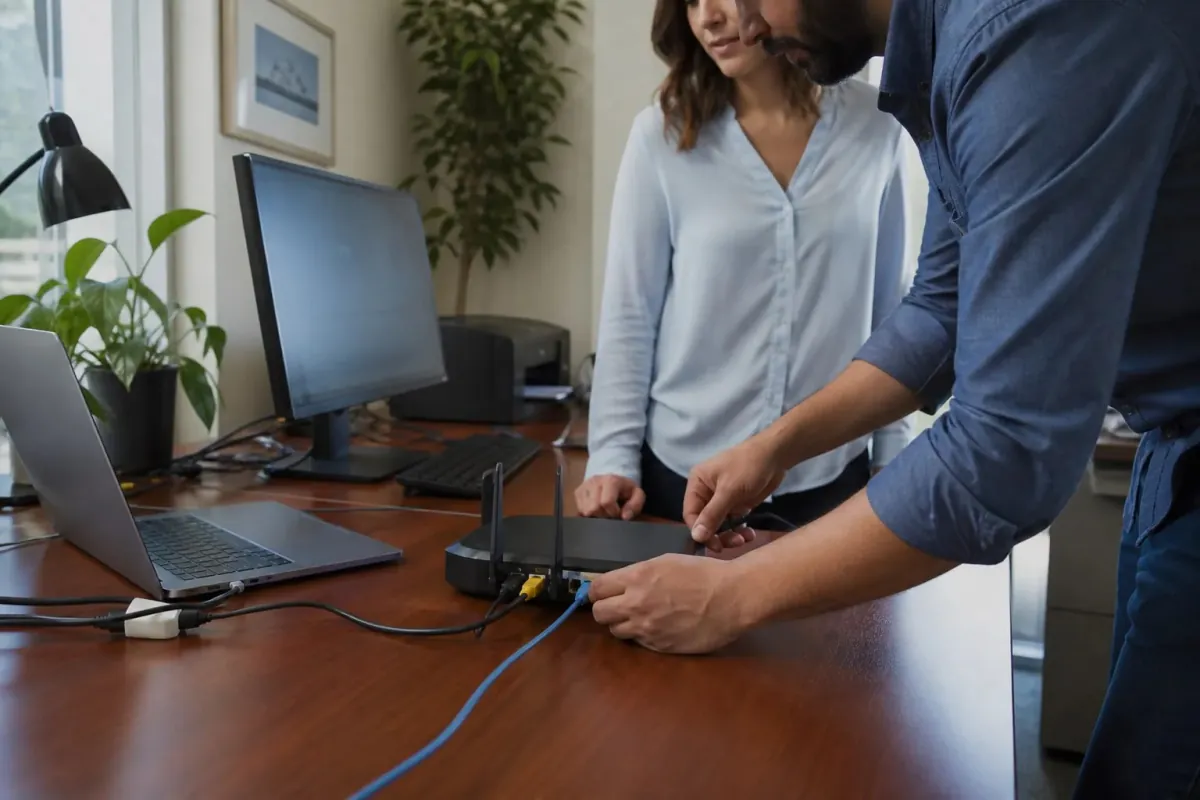
Network equipment being connected at a small-business workspace

Are you seeing one of these problems?

You do not need to know the cause. Tell us what you see and when it started.

Devices and systems we can help with

Call if you are not sure which name or model you have.

  • Employee computers and everyday work devices
  • Office Wi-Fi, routers, and network connections
  • Shared printers and scanners
  • Microsoft 365, Google Workspace, shared folders, and backups

Ways we can help

The exact help depends on the device and problem.

Small-business IT support

Practical help with employee computers, office Wi-Fi, shared printers, accounts, shared files, and backups.

  • Set up a new employee computer and common work apps
  • Set up Microsoft 365 or Google Workspace
  • Connect or troubleshoot office Wi-Fi and shared printers
  • Add or remove approved employee accounts
  • Organize shared folders and common file access
  • Set up or check common backup needs

What to have ready when you call

A simple description is enough. You do not need technical words.

  • How many people and devices are affected
  • Which work is being interrupted
  • Who can approve account, network, or equipment changes

Questions about this service

Two quick answers to help you decide whether to call.

Can you help with one job or with recurring needs?
We can help with a one-time setup or discuss recurring everyday support needs. Call to discuss the work, current availability, and what may fit your needs.
Do you handle servers, advanced security, or regulated systems?
Larger server projects, advanced security work, and systems that must follow industry rules are checked separately and may require a specialist.

Send a short help request.

Share what is happening here. We will contact you to discuss the next step, current pricing, and availability.

How can we reach you?

Add a phone number, email, or both.

This helps us check whether we serve your area.

Name your device and the problem. A few words are enough.

For your safety, do not send passwords, security codes, banking or medical information, Social Security numbers, or remote-access codes.

You stay in control. You approve changes and enter passwords yourself.

This asks us to contact you. It does not schedule a visit.

We use your details only to reply and manage this request. They are not sold or added to an advertising list. See our privacy notice.