
Several common issues can cause an offline status. The printer may be asleep, connected to a different Wi-Fi network, paused by a stuck print job, or selected incorrectly on the computer.
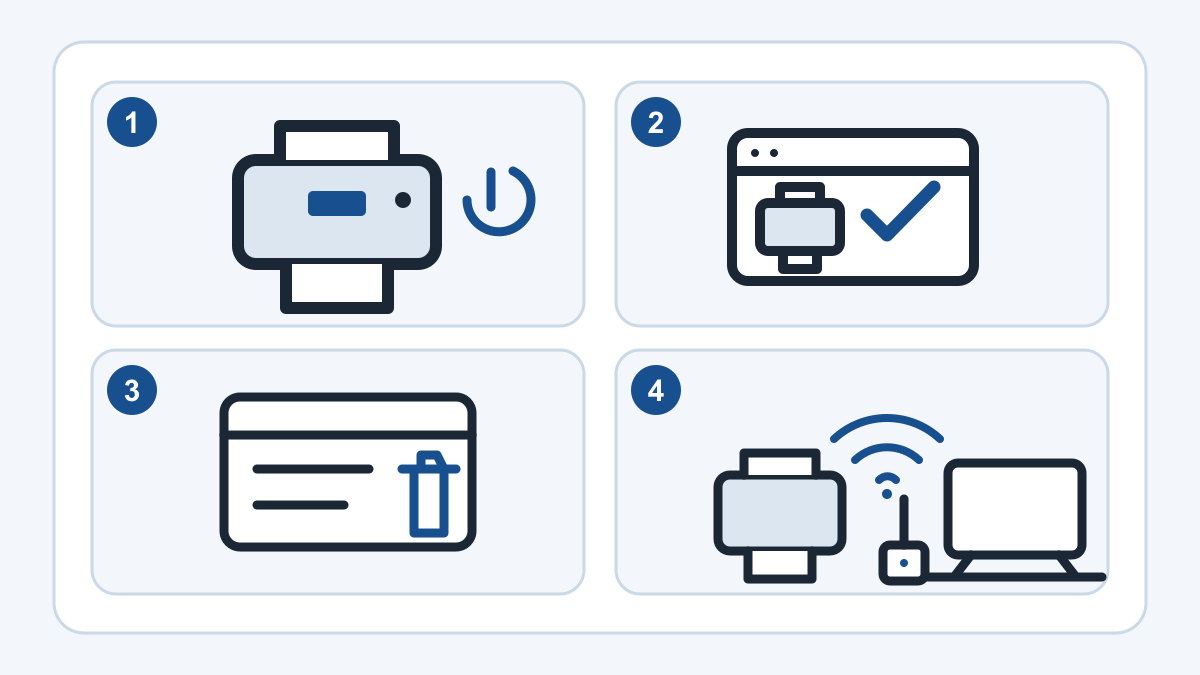
What "printer offline" means
Printer offline means the computer, phone, or tablet cannot communicate with the printer at that moment. It does not necessarily mean the printer is broken.
Check the printer before changing settings
Make sure the printer is on and its screen does not show a paper, ink, toner, cover, or jam message. Confirm that paper is loaded and that every tray and door is fully closed.
If the printer is connected by a cable, check both ends. If it uses Wi-Fi, look for a wireless symbol or connection message on the printer's screen.
- Wake the printer with its power or home button
- Read the entire message on the printer display
- Check paper, ink or toner, doors, and removable trays
- Avoid pulling hard on jammed paper or small internal parts
Make sure you are sending the job to the right printer
A computer may remember an old printer, a duplicate copy, or a save-to-file option. Open the print window and read the selected printer name before sending another test page.
If more than one similar printer name appears, stop adding new copies. Duplicates can make the choice less clear and may need to be cleaned up in the computer's printer settings.
Look for a stuck or paused print job
A failed document can hold the rest of the queue. Open the printer queue and look for an item marked paused, error, or deleting. Cancel only the jobs you recognize, then wait for the queue to clear before trying one small test page.
Restarting the printer and computer can re-establish a connection, but repeated restarts will not solve a wrong Wi-Fi network, damaged cable, or mechanical problem.
Check the Wi-Fi connection
The computer and printer normally need to be on the same usable network. A new router, changed Wi-Fi name, changed password, guest network, or range extender can leave the printer on an old or isolated connection.
If every device has trouble getting online, begin with the network rather than the printer. If only the printer is affected, its saved Wi-Fi settings or computer setup may need attention.